Splash Image
Splash Image is an AI color-splash photo editor for iPhone and iPad. Tap a subject and on-device intelligence keeps it in full color while the rest of the photo fades to cinematic grayscale. No tracing, no brushes, and nothing ever leaves your device.
This page is a quick tutorial and the app’s privacy policy.
How to use Splash Image
1. Start a photo
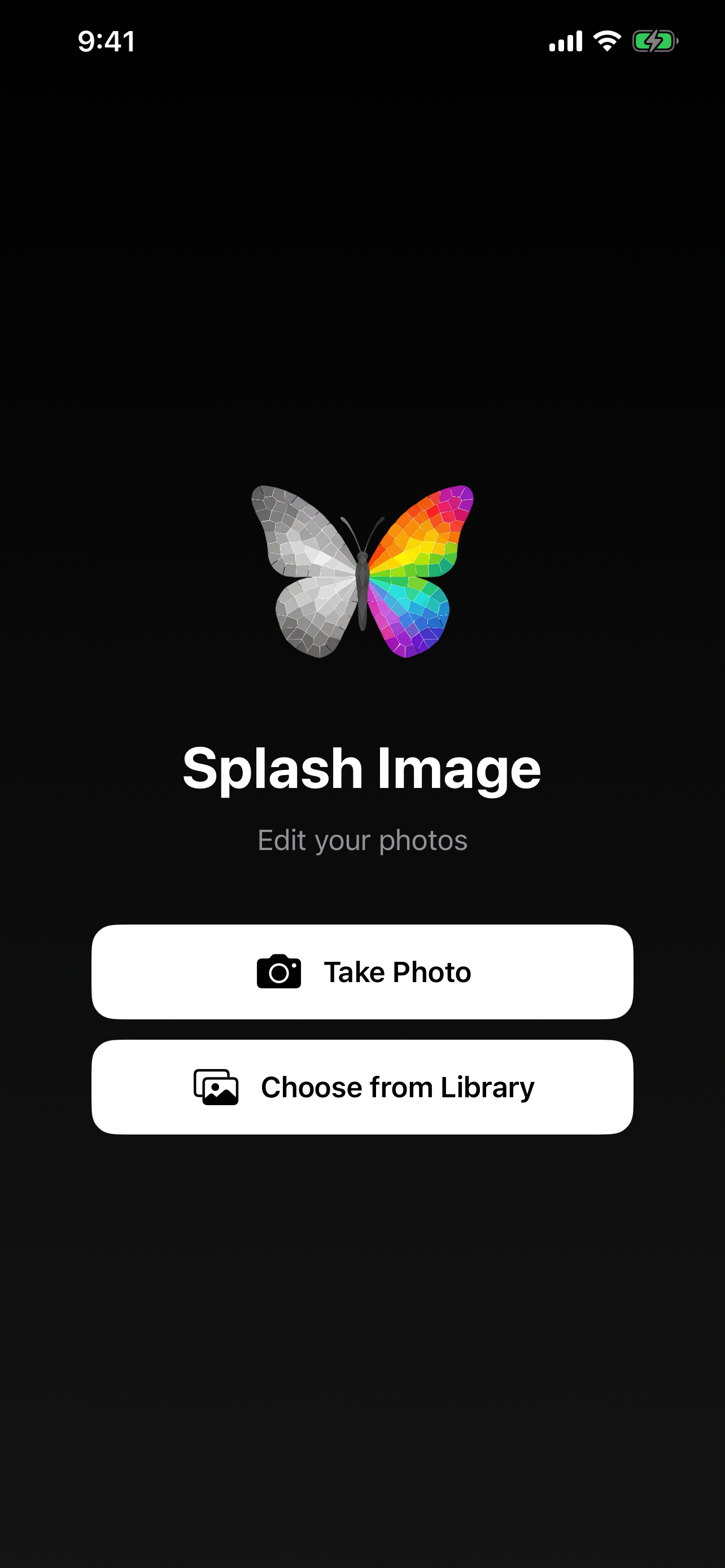
Open the app and pick how you want to begin:
- Take Photo — capture a new shot with the camera.
- Choose from Library — import an existing photo from your library.
The app asks for Camera and Photo Library permission the first time you use each option. Both are only used on your device — see the privacy policy below.
2. Tap a subject to splash it
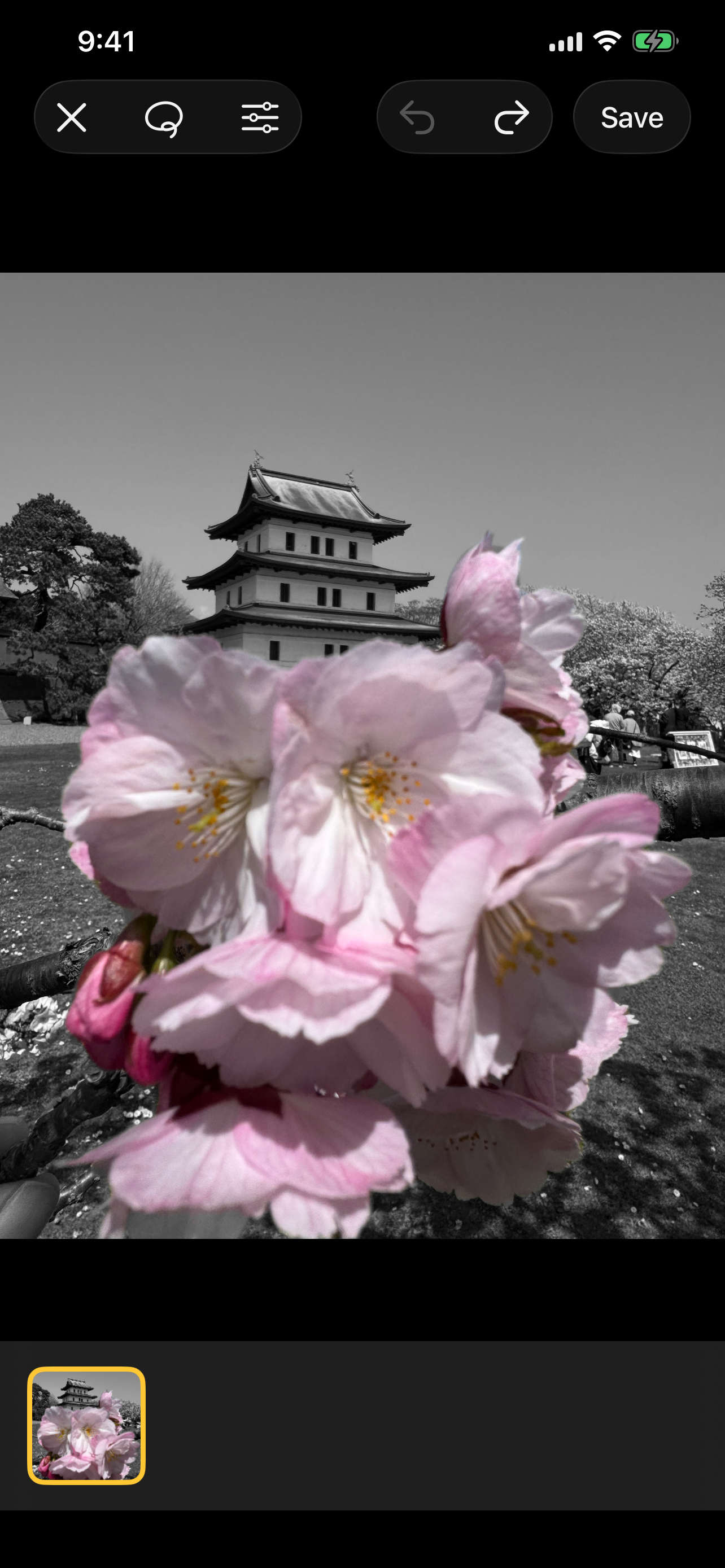
Tap anything in the photo. Splash Image detects the subject under your finger, keeps it in full color, and turns everything else to grayscale. Here the cherry blossoms stay vivid while the castle behind them drops to monochrome.
Use the toolbar at the top to refine your edit:
- Lasso — draw around an area to control exactly what stays in color.
- Adjust (sliders) — fine-tune the result.
- Undo / Redo — step back and forth through your changes.
You can tap more than one subject to keep several elements in color across the same frame.
3. Save and share
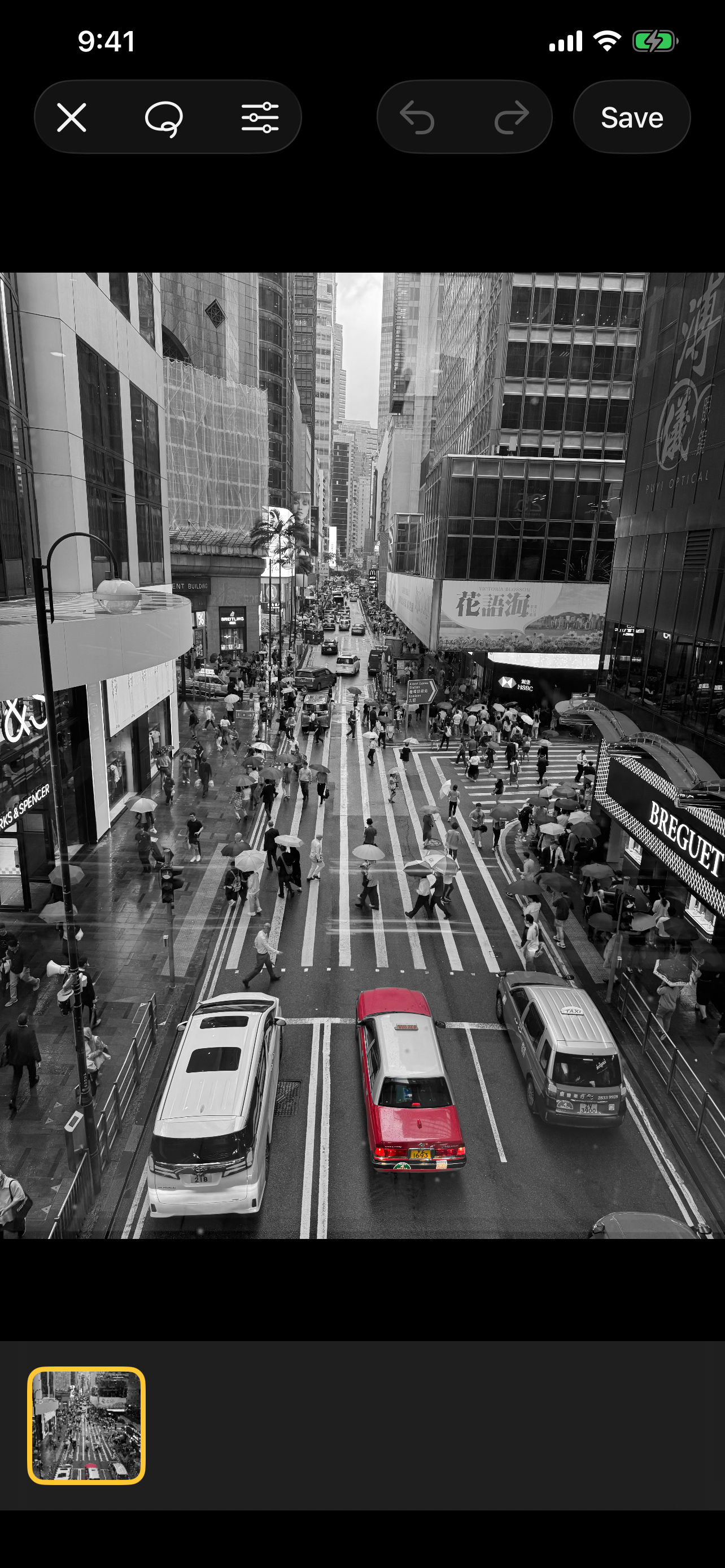
When you’re happy with the result — like this lone red taxi cutting through a monochrome street — tap Save to export it in full quality to your photo library, ready to share anywhere.
Privacy Policy
Last updated: June 6, 2026
Splash Image is built to be private by design. It does not collect, store, or transmit any personal data.
Photos and camera
- Photos you capture or import are processed entirely on your device.
- All subject detection and color-splash editing happens locally using Apple’s on-device frameworks. Your images are never uploaded to any server.
- Saved results are written only to your own photo library, when you choose to save them.
Permissions
Splash Image requests two permissions, used solely on your device:
- Camera — to take a photo to edit.
- Photo Library — to choose a photo to edit and to save your finished result back to your library.
You can change these permissions at any time in Settings → Splash Image.
Data collection
- No accounts. Splash Image has no sign-up or login.
- No analytics or tracking. The app contains no third-party analytics, advertising, or tracking SDKs.
- No network. The app has no backend and sends no data off your device.
Because no data is collected, none is shared with or sold to third parties.
Children’s privacy
Splash Image does not collect any data from anyone, including children.
Changes to this policy
If this policy changes, the updated version will be posted on this page with a new “last updated” date.
Contact
Questions about this policy or the app? Email splashimage@ferbass.com.